
The 25-Point Google Business Profile Checklist for Local Businesses
Optimize your Google Business Profile step by step: categories, services, photos, posts, reviews. Use this checklist to show up more on Google Maps.
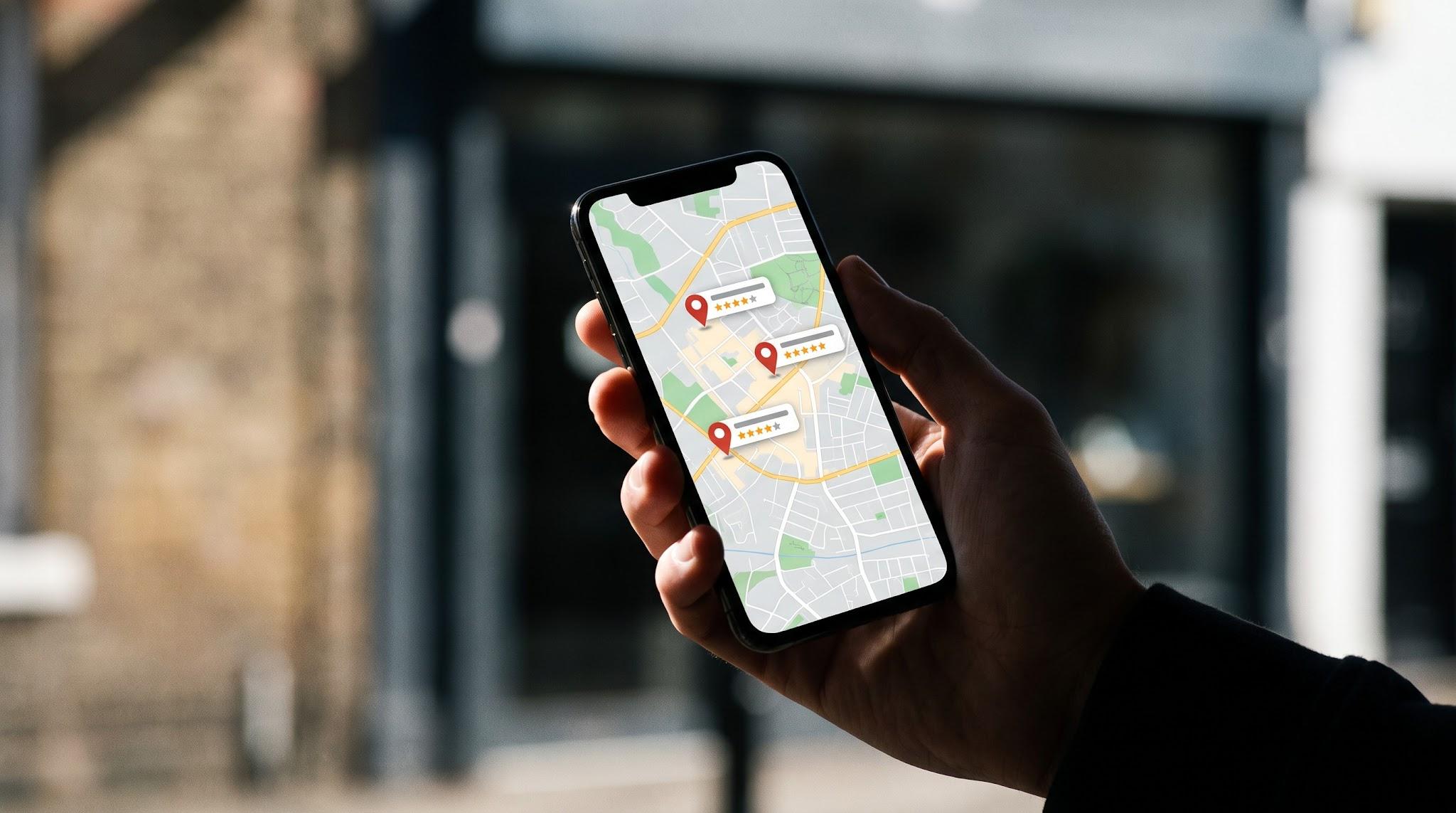
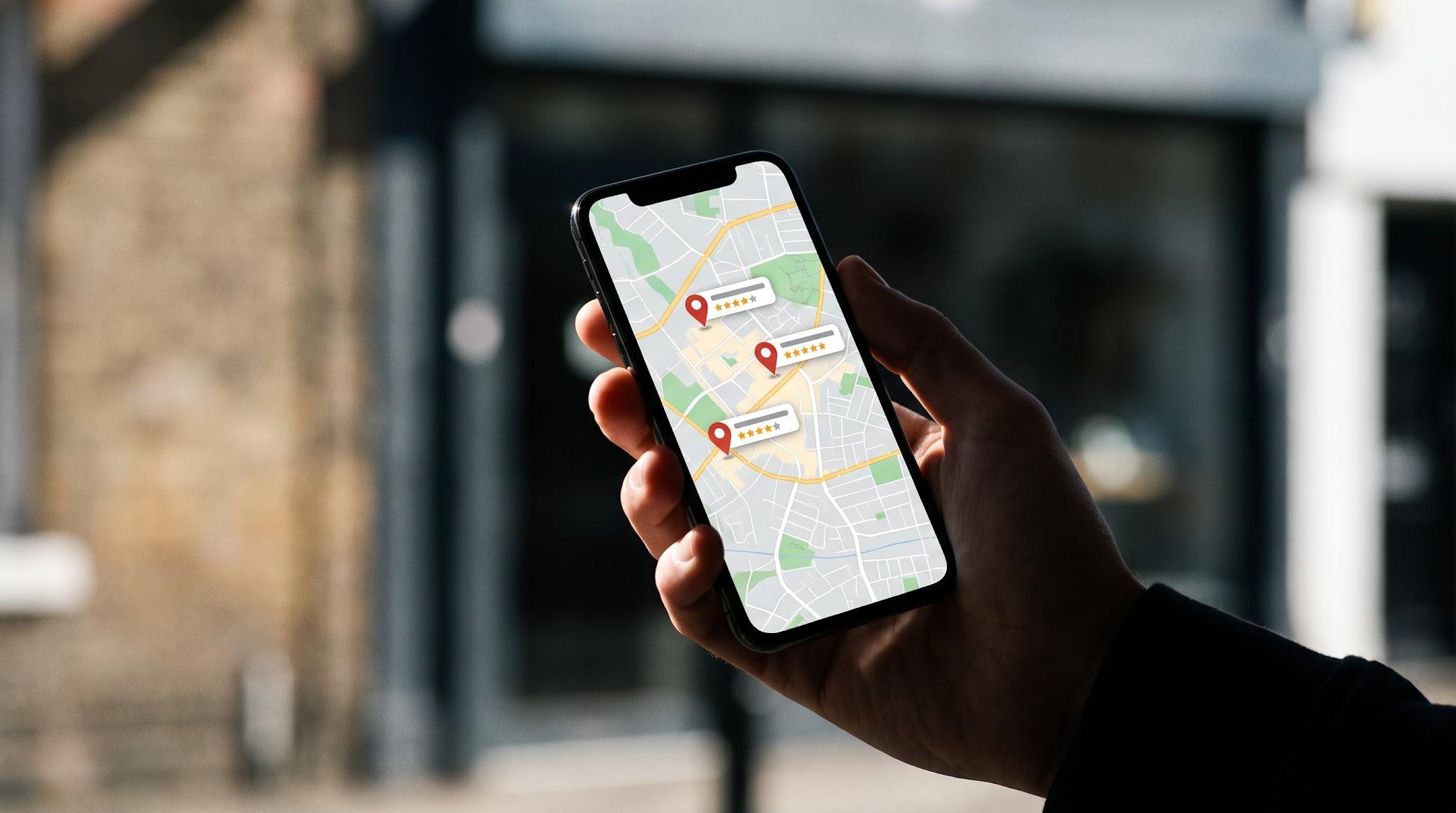
Quick answer: Google Business Profile optimization starts with these steps: choose the most specific primary category, complete every field, list all services, set accurate hours and service areas, add real photos monthly, post weekly, cover common questions in your description and on your website, and ask for and reply to reviews consistently. A complete, active profile tends to show up more often and turns more searchers into calls.
Your Google Business Profile is often the first thing a customer sees, before your website. Google says local results are based mainly on relevance, distance and prominence (Google Business Profile Help). This checklist covers the parts you control.
Setup and accuracy (1 to 7)
1. Verify ownership and add at least two managers from your team.
2. Use your real business name with no added keywords, because keyword stuffing goes against Google's guidelines.
3. Choose the most specific primary category available.
4. Add relevant secondary categories.
5. Match your name, address and phone exactly to your website.
6. Set regular, holiday and special hours.
7. Define service areas by city or ZIP code.
Content and services (8 to 14)
8. Write a clear description: who you serve, where, and what makes you different.
9. Add every service with a short, natural description.
10. Add products or packages where they apply.
11. Add attributes such as online appointments or accessibility features.
12. Link to the most relevant page on your site, not only the homepage.
13. Add booking or appointment links.
14. Answer the five questions customers ask most on your website and in your profile description, since Google has removed the public Q&A feature.
Photos and posts (15 to 19)
15. Upload a logo and a cover photo.
16. Add real photos of your team, office, work, vehicles and signage.
17. Add new photos every month.
18. Publish a post every week: project spotlights, tips, events or announcements.
19. Add a short video tour or project walkthrough.
Reviews and reputation (20 to 25)
20. Create a short review link and QR code.
21. Ask within 48 hours of finishing the work.
22. Reply to every review within two business days.
23. Never offer incentives for reviews. Google prohibits it.
24. Flag reviews that look fake or break Google's policies.
25. Track your review count and rating against the top local competitors each month.
More on handling reviews well: Online Reputation Management for Local Businesses.

FAQ
How often should I update my profile? Post weekly, add photos monthly and check hours before every holiday.
Why would a profile get suspended? Common causes include keyword-stuffed names, ineligible addresses or sudden large edits. Fix the cause before requesting reinstatement.
Can I have more than one profile? Only one per real, eligible location. Some cases, such as individual practitioners or departments inside a larger organization, have their own rules in Google's guidelines, so check them before creating a second profile.
Want a second set of eyes? Start with our free business listing audit, then schedule a strategy session.