
June 8, 2026
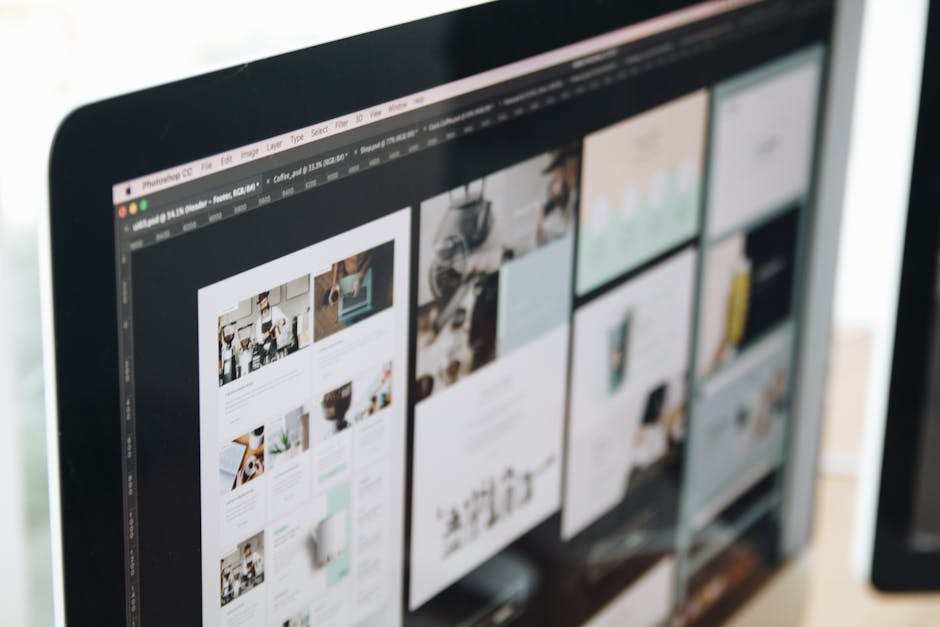
Digital ad design is making pictures and videos for ads. These ads show your product online.
Ads are getting more expensive. If your ad looks bad, you lose money. Bad ads cost you clicks and sales. Good design is a system. It helps your business grow.
I am Jose Escalera. I help businesses make ads that work. This guide shows you how.
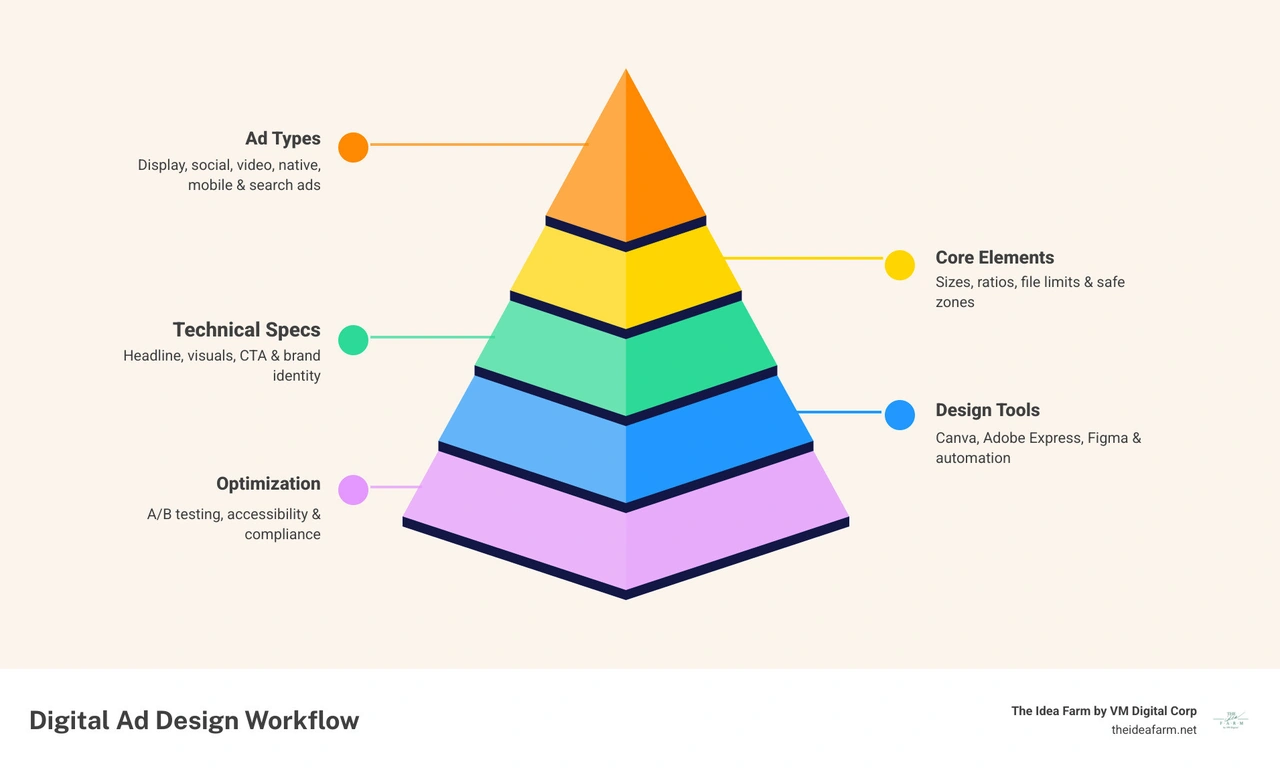
Common words:
You need to know your tools to grow. Digital ad design is not the same for every site. Each site has its own rules. Here are six types of Digital Ads we use:
Google ads reach many people. Keep your ads simple. Use clear buttons. Do not crowd the image. Follow the Best practices guide for responsive display ads - Google Ads Help. Google likes simple images. Do not use too much blank space.
Every good ad has four parts.
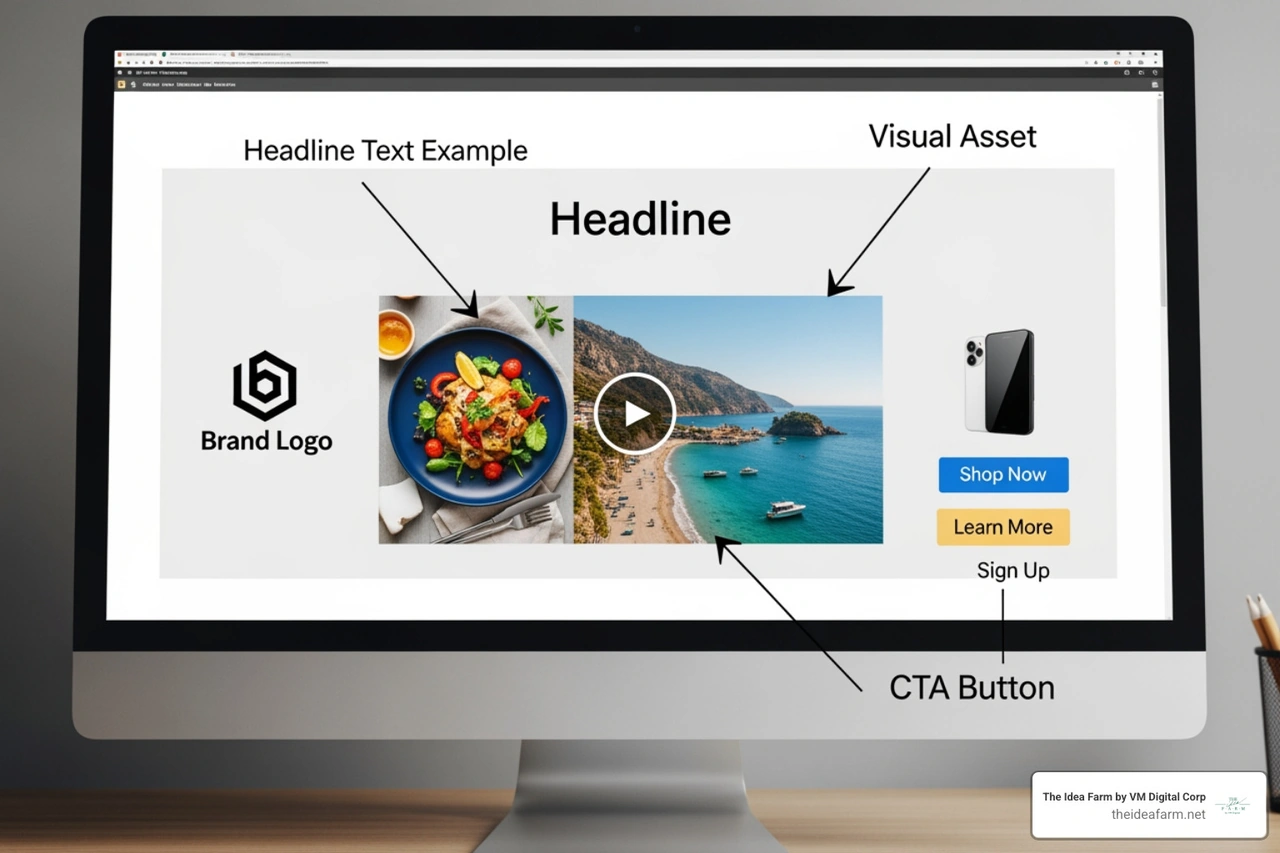
This should be clear. Tell people how you help them. Do not use all caps. It looks like you are shouting.
Images are very important. People remember colors and logos. Use high-quality photos. Show your product in a real place.
Tell the user what to do. Use buttons like "Shop Now." Use colors that stand out.
Use the same fonts and colors every time. This helps people remember you. You can use Free Advertisement Maker | Adobe Express to stay on-brand.
Do not make your ads blurry. If the size is wrong, people will not click. Use our Digital Advertising Inventory Management Guide to find the right sizes.
Keep your text in the "Safe Zone." This is the middle of the ad. If text is near the edges, it might get covered by buttons.
You do not have to make every ad by hand. AI can help. It can take one ad and change the size for many sites. This helps you reach more people.
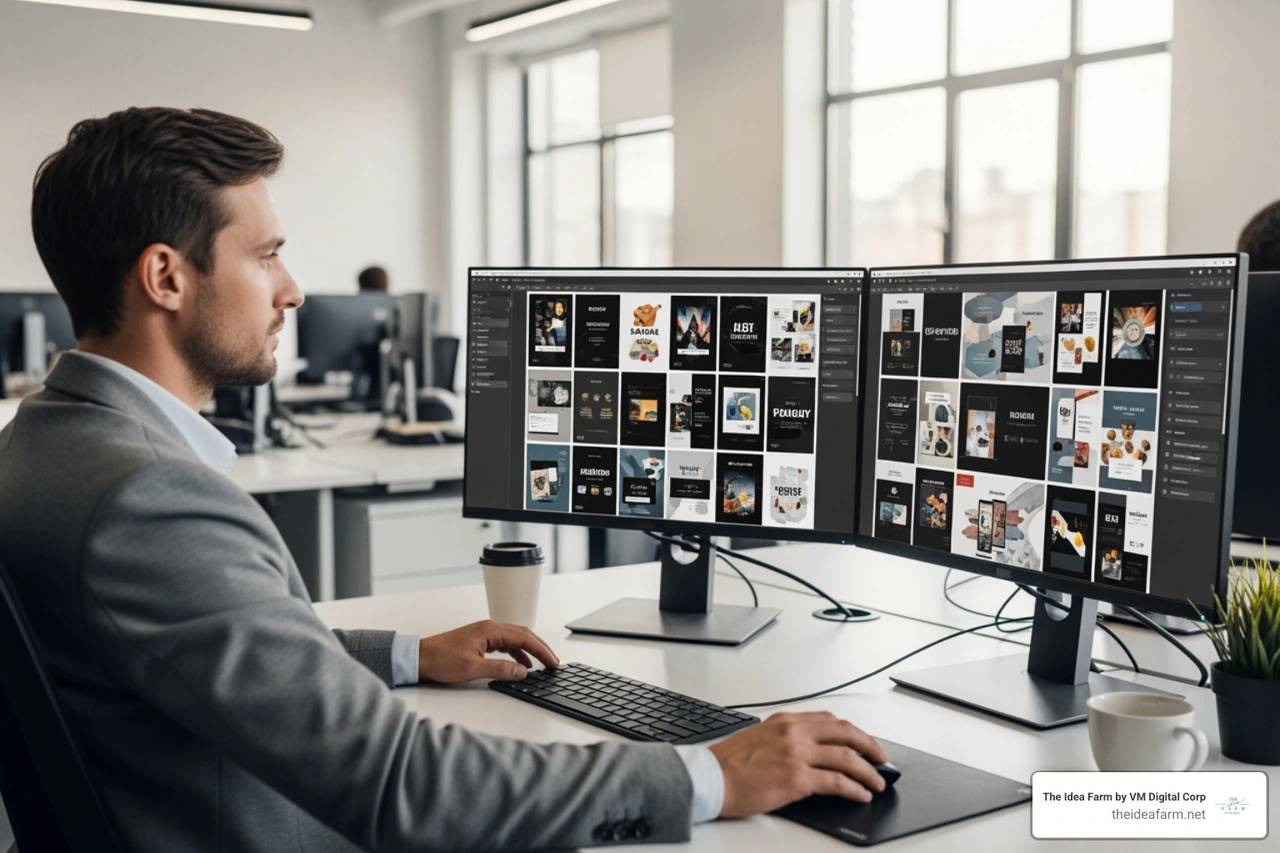
AI can also make carousels. These are ads you can swipe. For more tips, see our guide on Digital Advertising Campaign Management. AI lets us focus on the big plan. We spend less time fixing photos and more time making money.
You should always test your ads. To keep your Ppc Campaign Management healthy, follow these steps:
One tip: track your ads. This helps you know which ad made the sale.
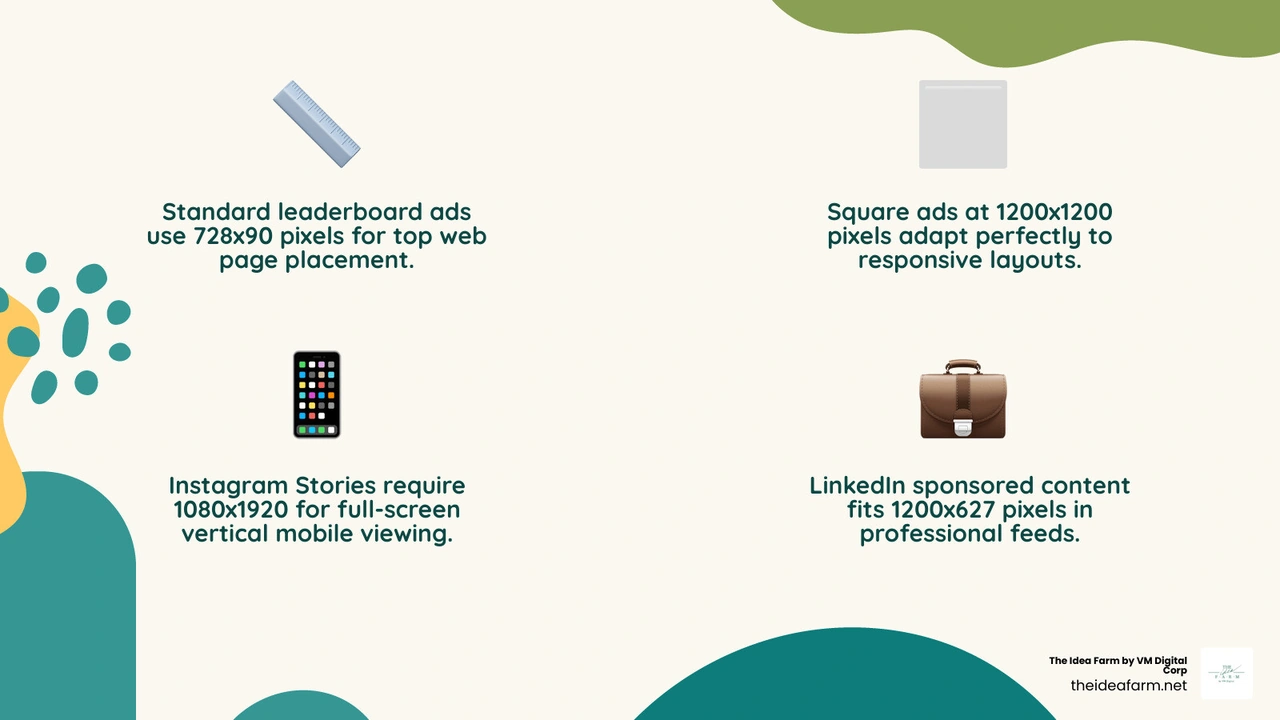
Use 300x250, 728x90, and 1080x1080.
AI does the boring work. It can resize ads and fix colors. It can also change the ad to match what a user likes.
It builds trust. If your ads look the same, people will know it is you. This helps your budget work better.
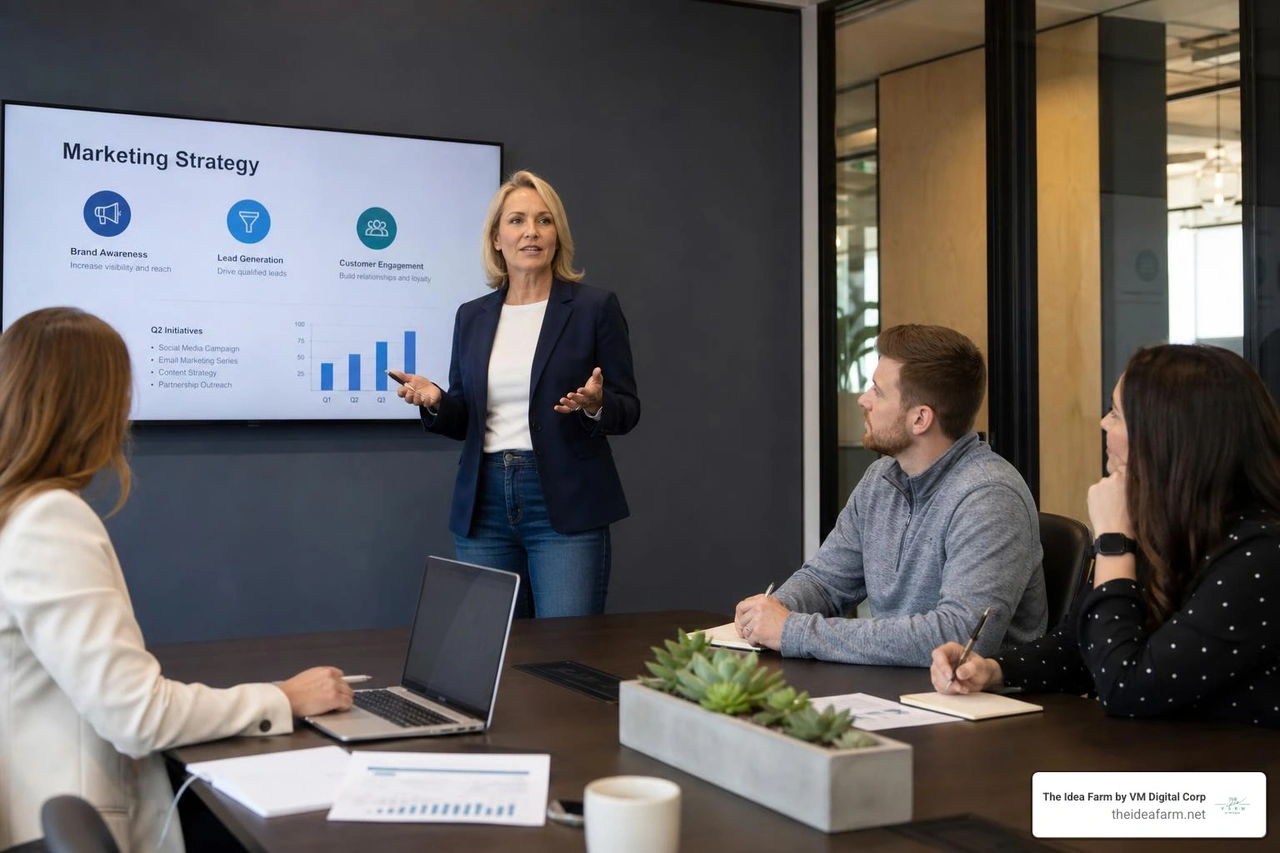
At The Idea Farm, we help you grow. Digital ad design is the first thing customers see. If your ads look good, your brand looks good. Test your ads and use a system. If you live in Houston or Danville, we can help. Check out our Digital Ads to learn more.