
May 6, 2026
Build custom dashboards is a smart move for any boss. Here is a quick way to do it:
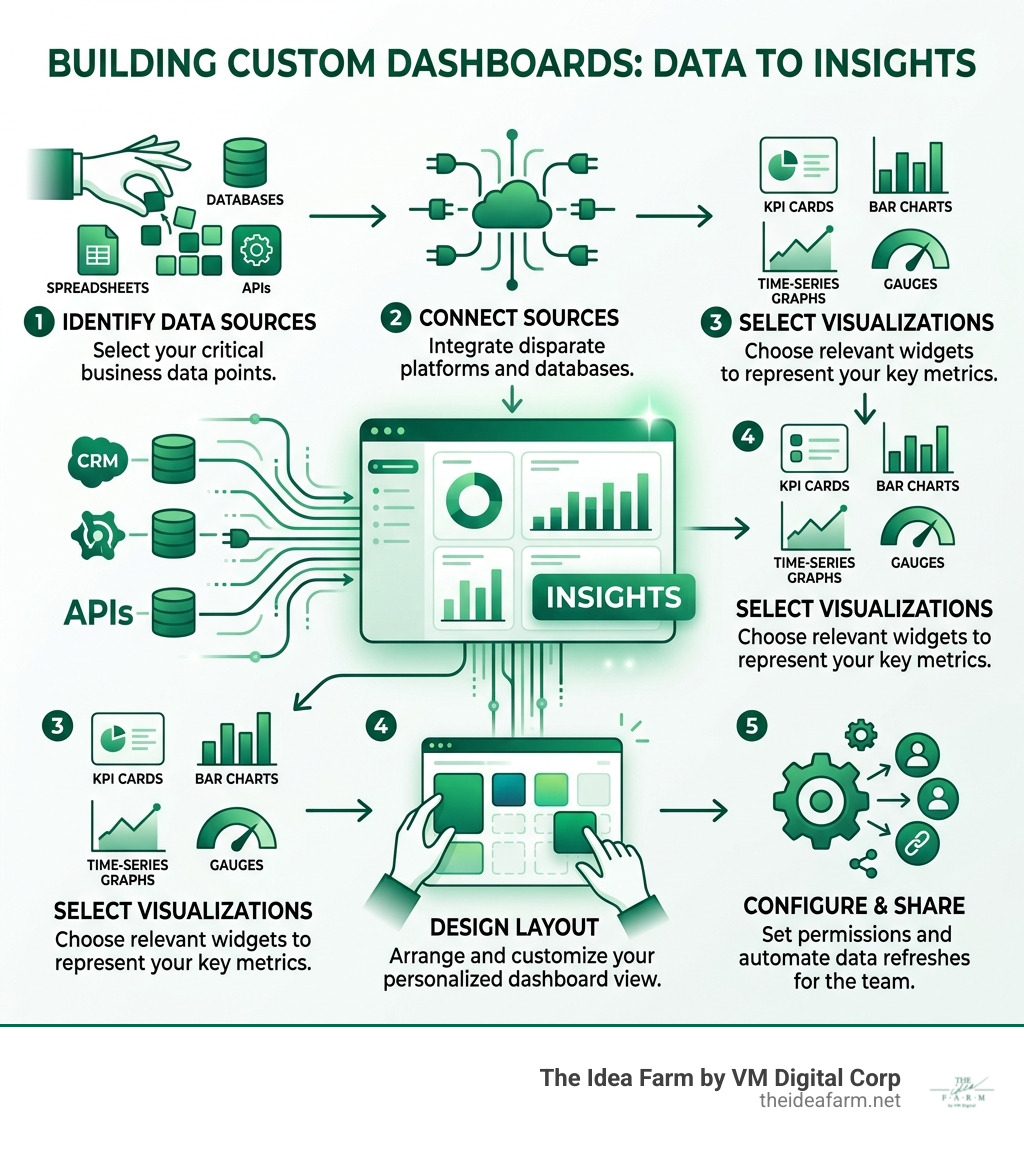
How to build custom dashboards (quick steps):
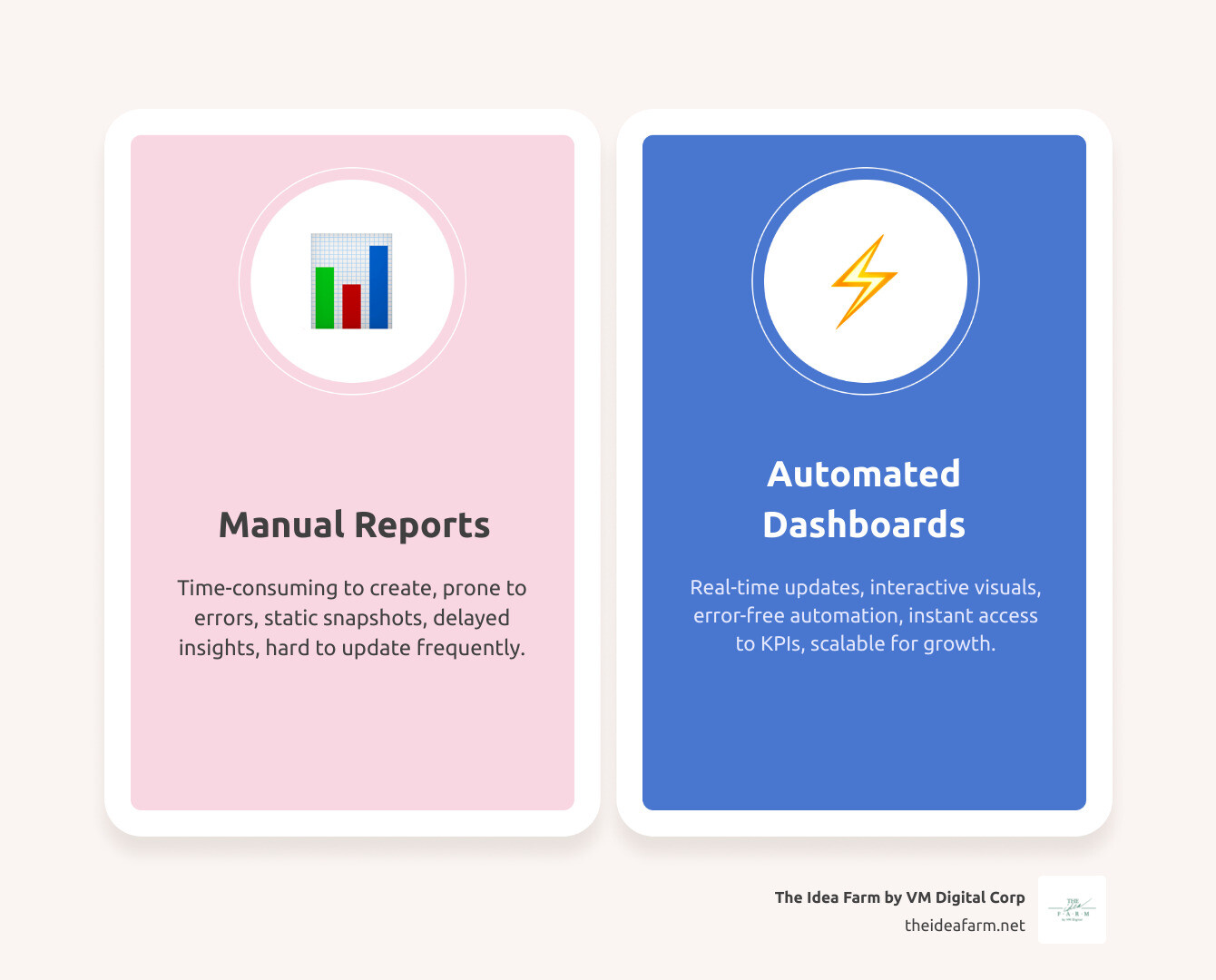
You have data everywhere. Sales are in one tool. Marketing is in another. Every week, someone spends hours copying and pasting. They want to know if the business is growing.
This is a systems problem. Most bosses have plenty of data. They just cannot see it clearly. The numbers are all over the place. By the time you get a report, it is too late to act.
A custom dashboard fixes this. It puts your main numbers in one view. It updates on its own. It helps your team see what works right now.
This is not just about pretty charts. It is about making fast choices. I am Jose Escalera. I help business owners build custom dashboards. I connect marketing and sales data. I have learned that the best businesses can see their progress clearly.
Similar topics to build custom dashboards:
If you run a business, speed helps you win. When you build custom dashboards, you stop guessing. You start knowing. Basic reports from your software are often too simple. They show what the software thinks is important. They do not show what drives your specific goals.
Custom tools let you focus on Custom Analytics Dashboards. These show your unique sales path. For example, a live monitor can show if website sales drop. This helps you fix things fast. It helps every team member see how they help the business.
Using a Growth Dashboard Complete Guide helps you see more. You get to see the truth. You can track the numbers that lead to real money. Charts make it easy to explain things to your team.
Building a dashboard is not just for tech experts. Modern tools make it easy for any boss. The steps are the same for most tools.
This Retool tutorial shows how to use AI to build a sales dashboard in one afternoon.
The real power comes from mixing data. This means taking data from two places and putting it in one chart. You might mix Facebook Ads with your sales list.
You can connect data in these ways:
If you want to keep customers, a Customer Success Dashboard Salesforce link is key. It lets you see how happy customers are alongside your sales data.
A widget is just a way to show data. Picking the wrong one can be confusing. You can build custom business dashboards quickly by using ready-made parts. Common parts include:
Adding clickable parts lets a user see more detail. You can click a bar chart to see the list of customers in that group.
Design is about making info easy to find. The most important data should be big and easy to see. We suggest using rows or tabs to keep things clean. This follows Grafana's documentation on building dashboards.
Here are our top rules:
Interactive parts make a report more useful. You can set it up so clicking a chart does something. Filters are also helpful. They let you change the date or the department for the whole page with one click. Some tools even let you change a goal number to see what might happen next.
Yes. New tools like Retool and Appsmith use AI. You can type simple notes like "Make a bar chart of sales for the last 90 days." The AI will write the code and pick the best chart for you. This makes it much easier to build.
You can build custom dashboards on any budget. But there are some limits. Some tools only let you use a certain amount of data. Others only update every few minutes. Some plans limit how many dashboards you can make. Always check the rules of your data tools so they do not break.
At The Idea Farm, we believe growth happens on purpose. It comes from a good system. When you build custom dashboards, you are building a tool to run your business. It shows you where to spend money and where to save. It shows you new ways to grow.
We help businesses move away from messy spreadsheets. We help you build systems that use data to grow. If you are ready to stop guessing and start growing with The Growth Dashboard, we can help.
Get started with a custom growth system. Let us help you turn your data into a way to win.