More Than Just Reports: A Way to Grow
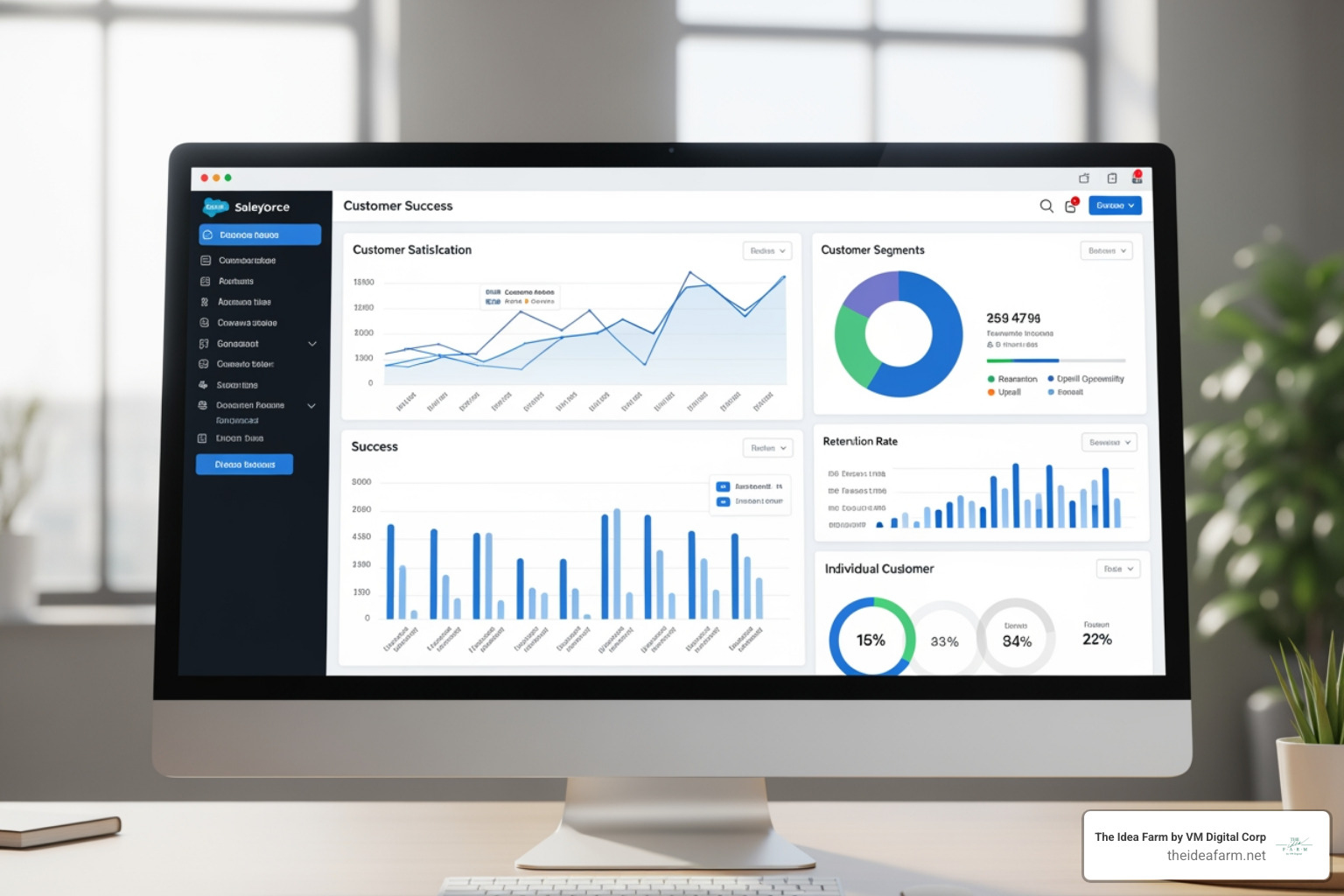
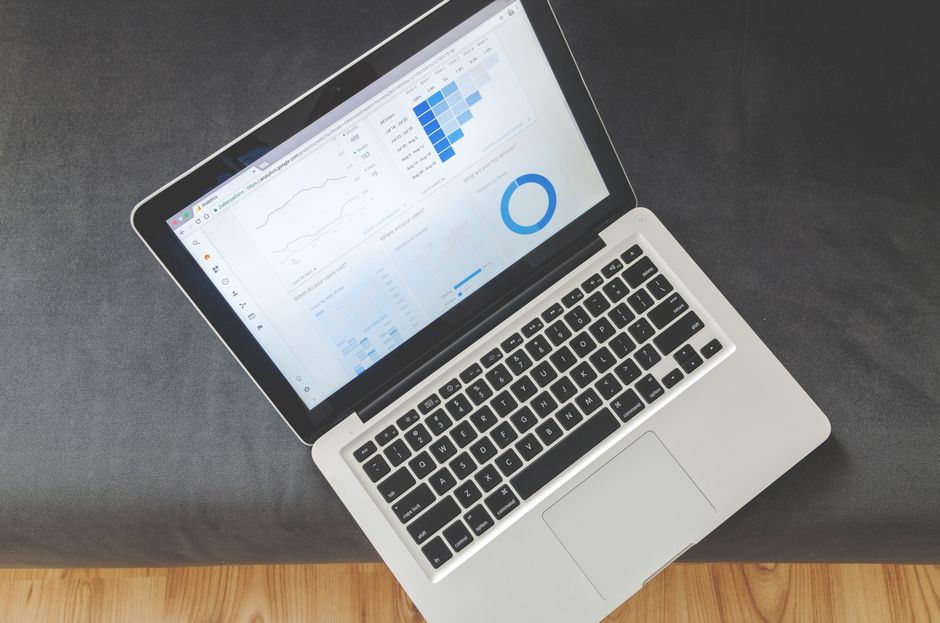
A customer success dashboard salesforce puts all your customer info in one place. It helps you see if customers are happy or if they might leave. Here is what you need to know:
Quick Answer: How to Use Salesforce Dashboards
- Use the tools already in Salesforce. Use the Report Builder to see how many people stay and how they use your product.
- Make special spots for your data. These are called custom objects. Use them to track things like special projects.
- Use the Salesforce Customer Success Score. This shows you how well your setup is working.
- Make different views for different people. CSMs need to see daily tasks. Managers need to see how the team is doing. Leaders need to see if the business is growing.
- Track numbers that help you act. Look at health scores, survey answers, and help tickets.
Before using a dashboard, one team leader spent all day sending the same emails. They spent too much time checking numbers. A good dashboard stops that.
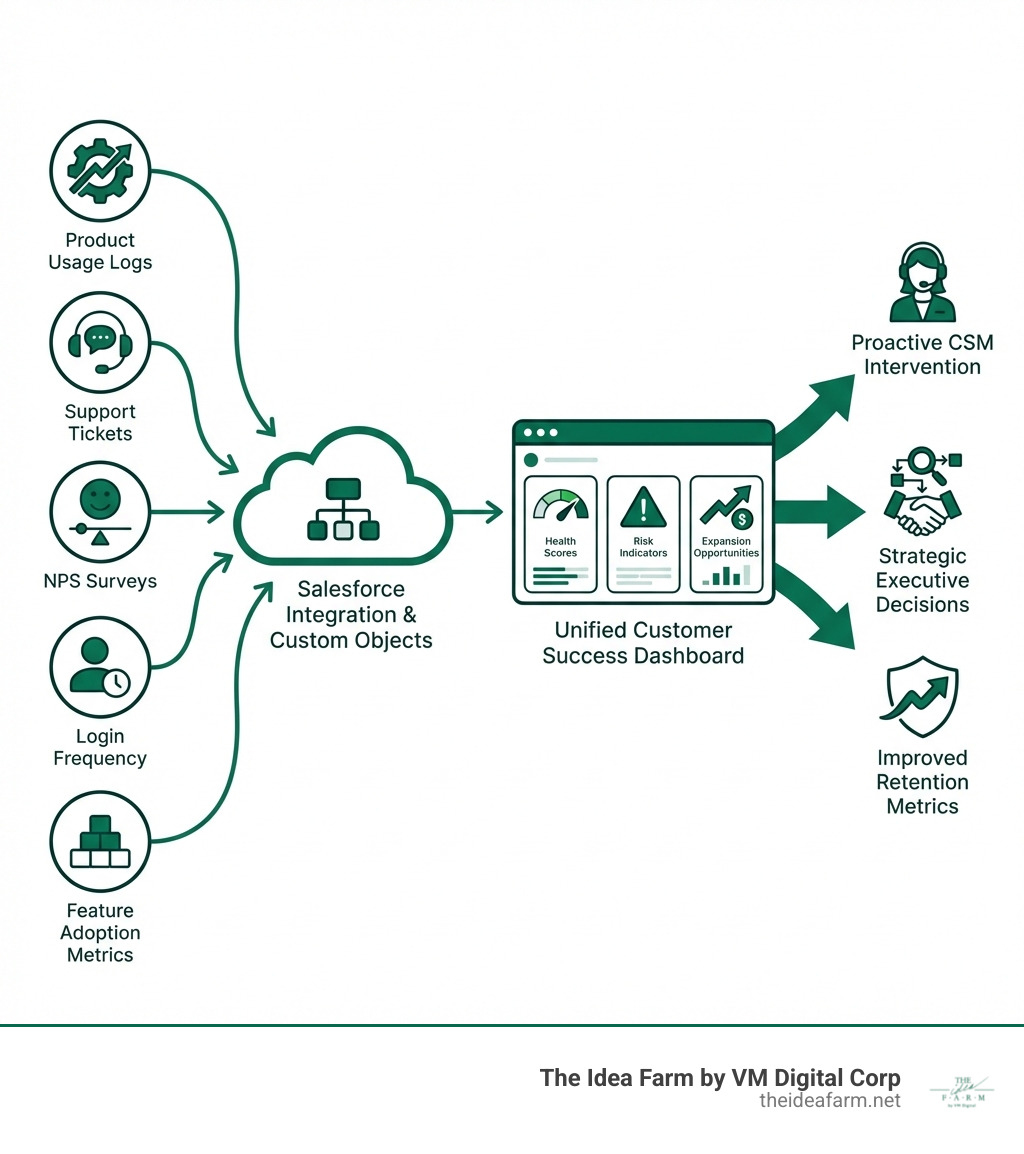
The big problem is that data is everywhere. Your team uses Salesforce. Support uses Zendesk. Product info is in another tool. This makes it hard to see the full picture. You might miss when a customer is unhappy. You might miss a chance to sell more.
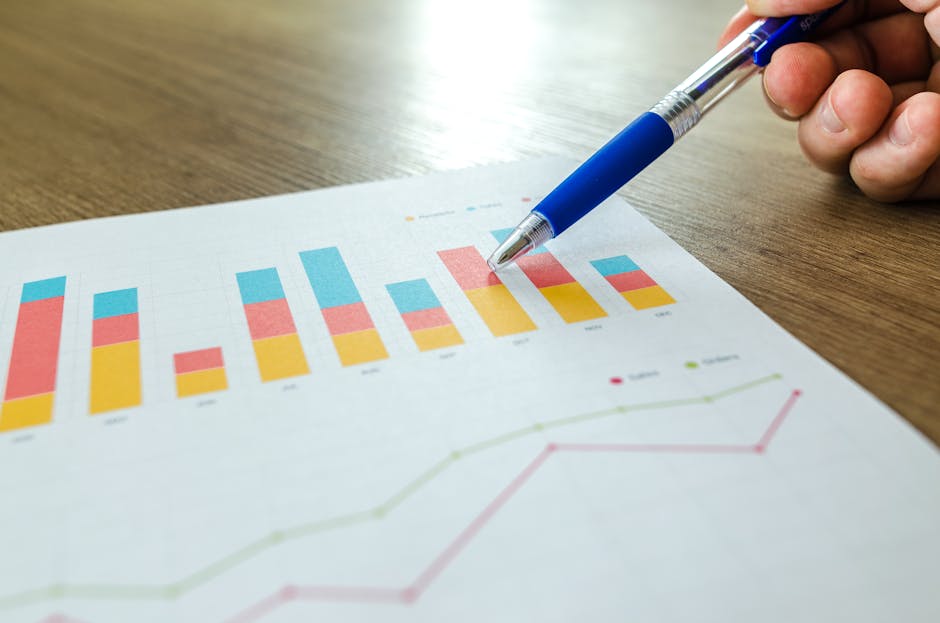
A good dashboard turns data into a growth plan. It shows you which customers might leave soon. It shows you who might want to buy more. It helps your team know what to talk about. It stops you from just fixing problems. It helps you build a better business.
I am Jose Escalera. I run The Idea Farm. We help teams build systems to grow. We set up customer success dashboard salesforce tools that connect all your data. We believe tools only work if they help you make good choices.
Why a Salesforce Dashboard Helps You Grow
You lose customers when you do not see problems early.
Here is the real problem:
- Product info is in one tool.
- Help tickets are in another.
- Notes are in Salesforce or email.
- Health scores are in a spreadsheet.
When a boss asks if customers will stay, the answer is slow. It depends on who you ask.
A customer success dashboard salesforce puts all these signs in one spot. It helps you see who might leave. It also shows who is ready to buy more.
At The Idea Farm, we see this as a system. A dashboard is only good if it changes what your team does.
What a Dashboard Should Do
A Salesforce dashboard should do five things:
- Show customer health in one view. CSMs should not have to open many tabs.
- Help with weekly work. The dashboard should show who to call or help.
- Find risks early. If people stop using the product, you want to know now.
- Show chances to grow. If a customer uses the product a lot, they might want more.
- Give one set of numbers. Sales, Success, and Support should all see the same thing.
How Dashboards Help Keep Customers
A customer success dashboard salesforce view helps you see why things happen:
- Getting started matters. If a customer is stuck at the start, the dashboard shows it.
- Using the product matters. If logins go down, the risk goes up.
- Help tickets show trouble. Too many tickets can mean a customer is confused.
- Notes add detail. A CSM can write a note to explain what the numbers do not show.
Do not track too many things. That makes it hard to read. Track a few things that help you take action.
The Parts of a Great Dashboard
Building a customer success dashboard salesforce is not just about putting numbers on a screen. You need the right numbers to tell a story. We make sure every number helps you grow.
Basic Health Numbers
These numbers help you know if customers are happy.
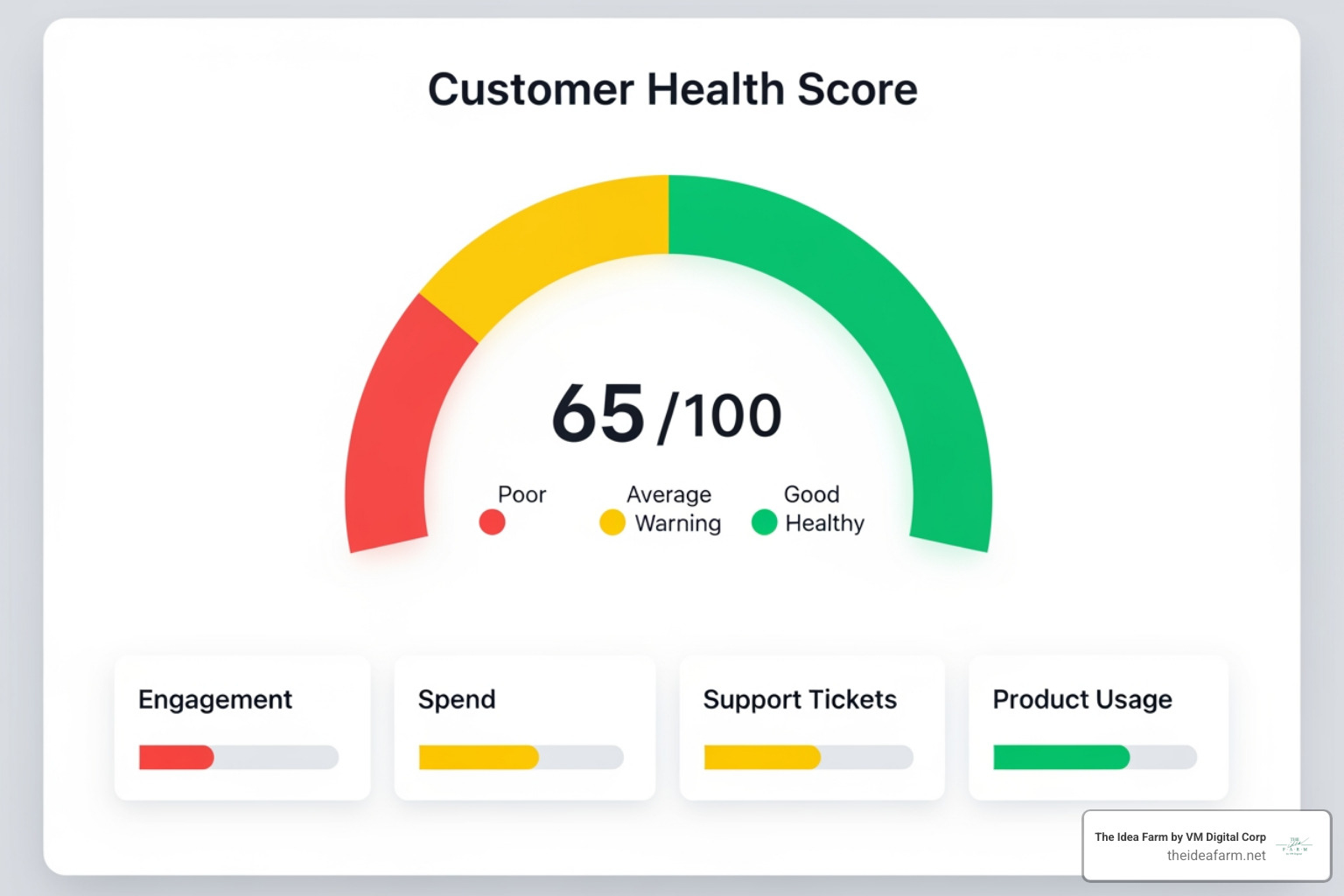
- Customer Health Score: This is one big score. It uses many things like how often they use the product and help tickets. We use colors like red, yellow, and green. Red means they might leave. Green means they are happy.
- CSM Feeling: This is what the manager thinks about the customer. Sometimes a person knows things a computer does not. The manager can pick a score in Salesforce.
- NPS Score: This asks customers if they like you. It helps you find fans and people who are unhappy.
- CSAT Score: This asks how a customer felt after a call or a ticket. It helps you fix small problems fast.
- Renewal Rate: This is the percentage of customers who stay. It is very important for the business.
- Churn Rate: This is the percentage of customers who leave. A good dashboard shows if this is going up or down.
How Customers Use the Product
These numbers show if customers are getting value.
- How Often They Log In: If people stop logging in, they might leave.
- Using Key Features: Are they using the best parts of your product? This shows if they really need your tool.
- Last Login Date: If it has been a long time, you should call them.
- Help Ticket Count: Lots of tickets can mean a customer is having a hard time.
- Tasks Done: If your team has tasks to help a customer, the dashboard shows if they are done.
- Salesforce Customer Success Score: This is a special score from Salesforce. It shows how well you use Salesforce. You can Get to Know the Salesforce Customer Success Score to learn more.
Using Custom Objects
Salesforce has standard spots for data. But sometimes you need your own spots. This is where we help our clients.
- Making Data Fit Your Business: Every business is different. Custom objects let you track things that are special to you.
- Tracking Special Projects: Some companies use custom objects to track work they do for customers. They can see how many hours they used and how much is left. This helps them manage the work. You can see a video about this.
- Tracking Proof of Value: If you do a test project to show value, you can track it here. You can see if it was a success.
By using these tools, your customer success dashboard salesforce becomes a custom tool for growth. It shows exactly what your business needs to see.
How to Build Your Dashboard
Building a customer success dashboard salesforce is more than just clicking buttons. You need a plan. You want your dashboard to help you grow.
Making Dashboards for Different People
One dashboard does not work for everyone. A boss needs different info than a worker. You should make views for each role.
- CSM Dashboards: These are for the people who talk to customers every day. They need to see:
- Daily tasks: What do I need to do today? Which customers need help?
- My customers: A quick look at the health of all their accounts.
- Manager Dashboards: These are for team leaders. They need to see:
- Team work: How many calls did the team make? Are they finishing their tasks?
- Workload: Does one person have too much work? Should I give some to someone else?
- Team scores: How is the whole team doing with keeping customers?
- Executive Dashboards: These are for the big bosses. They need to see:
- Future growth: Will customers stay next month? How much money will we make?
- Big trends: Is the whole company doing well? Are people using the product more?
At The Idea Farm, we make sure all these views use the same data. This keeps everyone on the same page.
Best Tips for Building
Here are some good ways to build your customer success dashboard salesforce:
- Use what you have: Check if there is already a report you can change. This keeps things simple.
- Use filters: Filters let you see just one group of customers or one time frame. This is very helpful.
- Pick numbers that help you act: Every number should help you make a choice. If it does not help, do not put it on the dashboard.
- Keep it simple: Use clear charts. Use colors like red and green. Do not put too much on one page.
- Keep changing it: Your business will change. Your dashboard should change too. Ask your team what they need and fix it.
- Connect your tools: Your dashboard should work with your other tools. You can learn more about website systems on our site.
Salesforce has great tools you can use right now.
- Salesforce Report Builder: This is where you make the lists of data. It is easy to use once you start.
- Dashboard Parts: These are the charts and tables you see on the dashboard.
- Dynamic Dashboards: These show different data to different people. A CSM sees their accounts. A manager sees the whole team.
- Auto Refresh: You can set the dashboard to update itself. This way, the data is always new.
- AppExchange: This is a store for Salesforce apps. You can find more tools there.
- Salesforce Help: You can find guides and videos on Salesforce Help to learn how to build things.
We help you use these tools to build a system that helps you grow.
The Salesforce Customer Success Score
If you use Salesforce a lot, this score is very helpful. It makes your customer success dashboard salesforce even better. It shows how well your company uses Salesforce.
What is the Score?
This score looks at how your company uses Salesforce. It is not about your customers. It is about you. It looks at:
- Using Features: Are you using the best parts of Salesforce?
- Health of the System: Is your Salesforce set up the right way? Does it run fast?
- Learning: Is your team learning from Salesforce resources?
The score is from 0 to 100. It also shows how you compare to other companies. You can read more at Salesforce Help.
The Three Parts of the Score
The score has three parts. Each one is from 0 to 100:
- Product Adoption Score: This shows if your team is using the features they should.
- Customer Expertise Score: This shows if your team is using Salesforce Help and training.
- Technical Health Score: This shows if your Salesforce is clean and works well.
You can get this score if you have a Premier or Signature plan. You can find it in the Salesforce Help portal. It is a great way to see if your tools are helping you grow.
Summary: From Numbers to Growth
A customer success dashboard salesforce turns messy data into a plan. It helps you grow. It stops you from just fixing problems. It helps you talk to customers before they have a problem.
We talked about the best numbers to track. We looked at how to make dashboards for different people. We also looked at the Salesforce Success Score. All these things help you keep customers and find new ways to sell.
At The Idea Farm, we believe tools must help you grow. A dashboard is a tool to help your team work together. It helps you make good choices with data.
We help companies in Houston, Danville, and other places. We build systems that help you grow over time.
If you want to build a system that works, we can help. You can start by looking at how to build your growth dashboard.